Language
One setting changes every word of the tool: the bars, menus, panels, cards and explanations.
Choose a language
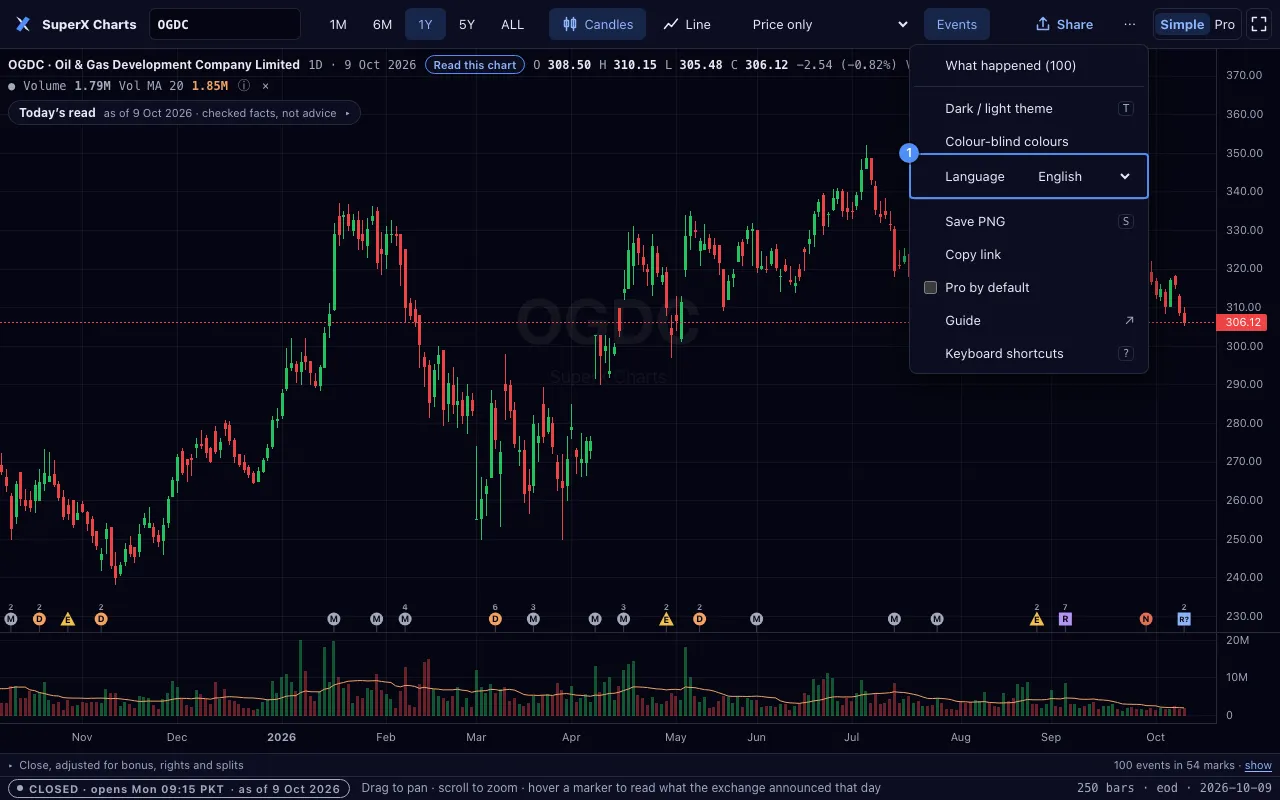
- Open the ⋯ menu.
- Choose English, Roman Urdu or اردو in Language 1.
This device remembers the choice.
A shared link opens in the language it was shared in. The link holds it as lang=rur or lang=ur.
A phone set to Urdu opens SuperX Charts in Urdu when the link names no language.
Urdu, right to left

- The top bar, the rail, the menus and the panels mirror. A panel opens from the left.
- The chart, its axes and its legend read left to right, as prices do in Urdu newspapers. The newest bar is on the right.
- Digits are Western. The rupee word follows the number.
- The Urdu font, Noto Nastaliq Urdu, downloads only when you choose Urdu.
Roman Urdu
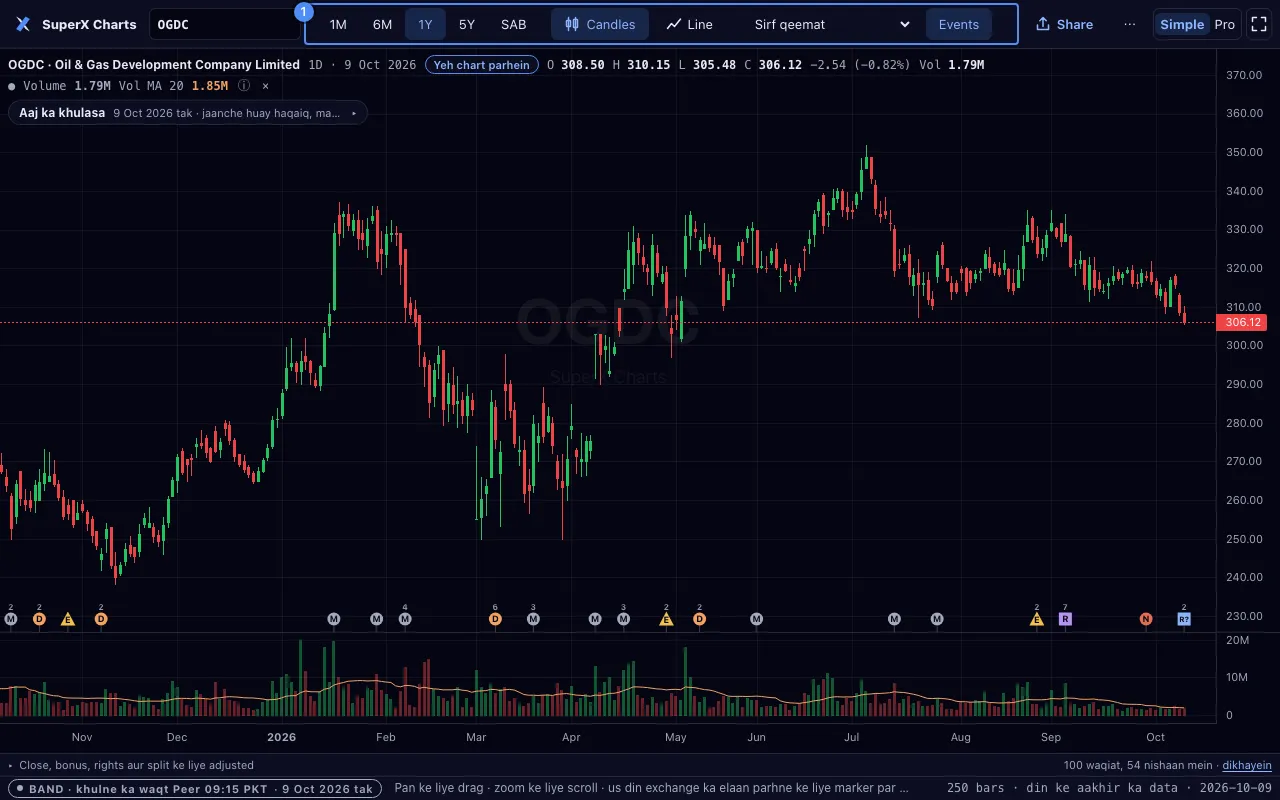
Roman Urdu is Urdu in Latin letters. It reads left to right.
A plain-language alert understands Roman Urdu, for example “agar HBL 200 din ki average se upar band ho to batao”.